Transfer stock to site
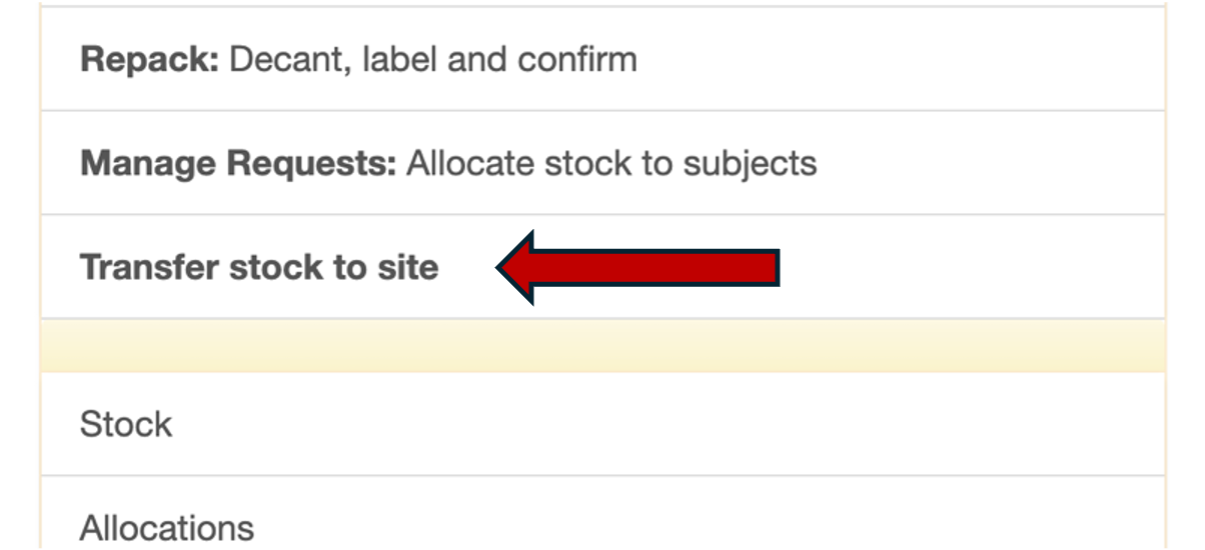
After allocation, stock is ready to ship to the site. Select Transfer stock to site from the main menu.
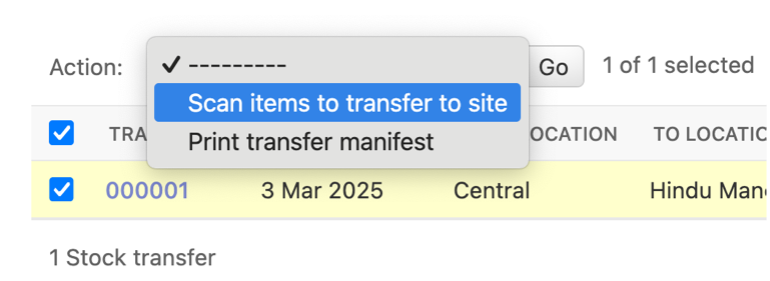
You will come to the Stock transfer page. Select your transfer document by ticking the left side box. Select Scan items to transfer to site from the action menu and click Go.
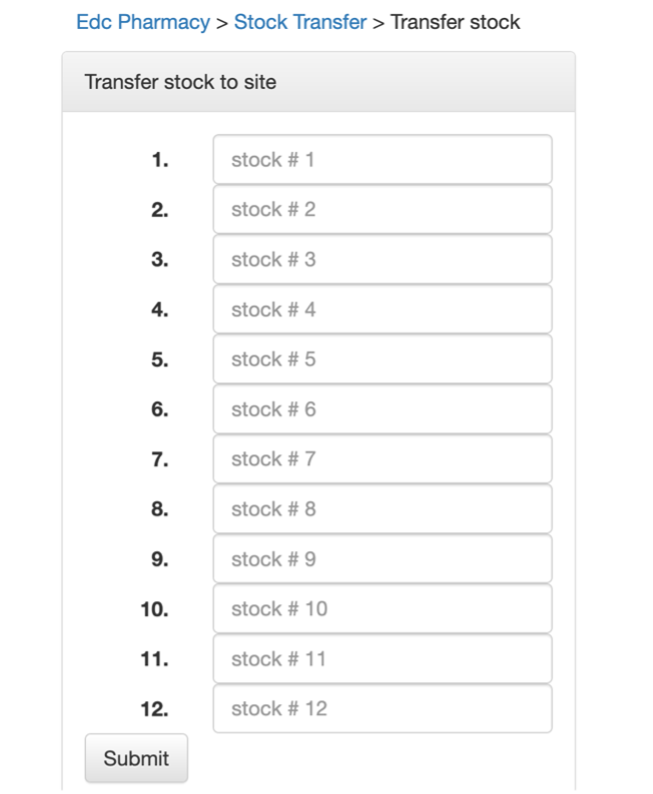
Scan the barcodes of the bottles you intend to transfer to the site
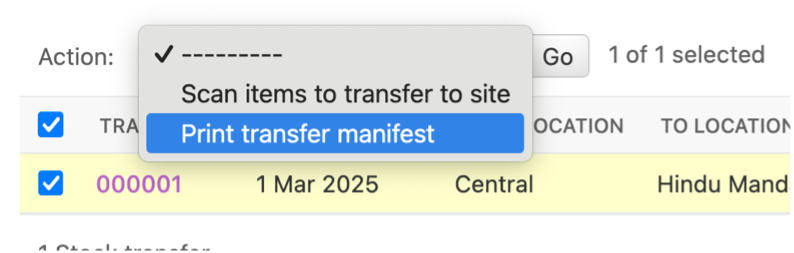
When you are done, print the transfer manifest